We Were Here Tomorrow full walkthrough: Part 1
Solve the wellness check, chemistry mixture, computer dials, and green keycard puzzles in this step-by-step We Were Here Tomorrow opening guide.
Before You Start: Coverage and Co-op Roles
One missed screen can leave both explorers stuck, even when the solution is already in the room. This We Were Here Tomorrow full walkthrough helps you coordinate the opening puzzles without wasting attempts on the wrong controls. This installment of our We Were Here Tomorrow full walkthrough covers the wellness check, shrinking laboratory, green access pass, and ability tutorials up to arrival at the Exotic Matter Lab.
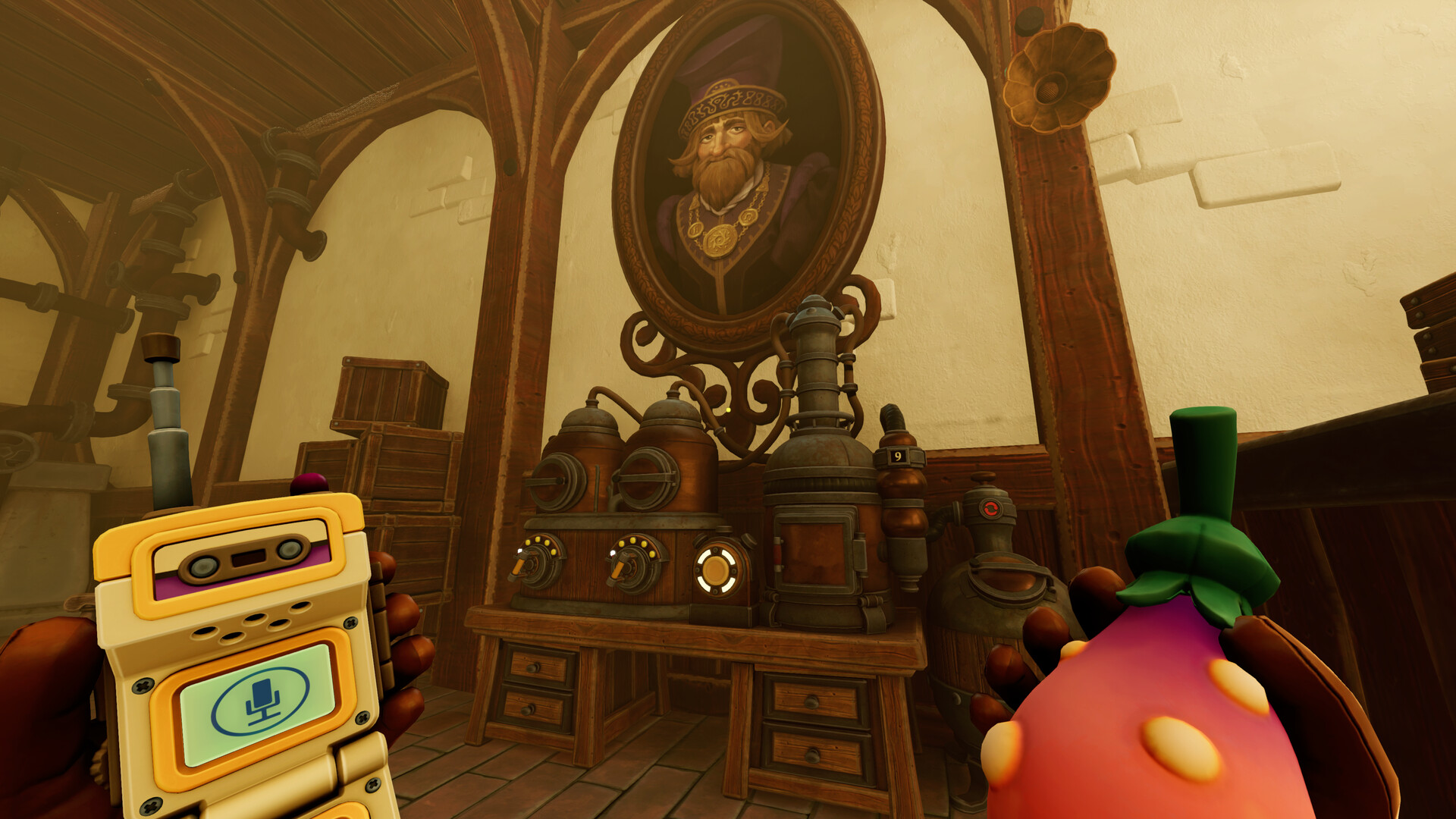
Official screenshot · Source: Steam store
Coverage note: This is Part 1, not a verified start-to-finish campaign solution. The available gameplay reference ends at the Exotic Matter Lab entrance, so later puzzles and the ending are not covered here.
The instructions below draw on player experience from the opening co-op gameplay walkthrough featuring Orbital Potato. Exact sequences are identified as those observed in that playthrough; check your own displays before entering them.
For background, GameRant’s hands-on preview and developer interview describes a two-player adventure built around separated perspectives and complementary abilities.
Agree on a communication system
Use functional role names rather than assuming a particular suit color always performs an action.
| Situation | Suggested role names | Useful callout |
|---|---|---|
| Separate puzzle rooms | Reader and operator | “Read the next symbol before I press it.” |
| Shrinking laboratory | Small explorer and large explorer | “Open the chamber; I’m inside.” |
| Timed computer puzzle | Dial reader and dial setter | “First dial right, second dial up.” |
| Ability tutorial | Cube player and hook player | “Place a step below the upper target.” |
Before timed attempts, confirm that both players are ready. For directional puzzles, establish whose perspective defines left and right. Those two habits prevent several problems visible in the referenced player experience.
Wellness Check Walkthrough: Symbols, Controls, and Battery
The opening assessment teaches the game’s central rule: one explorer often has the information the other needs. Follow the introductory route, complete the paired interaction, and proceed into the separated test rooms.
Solve the alien-symbol sequence
One side can identify alien-like images, while the other has buttons to press. Match distinctive features rather than relying on button positions.
The successful order observed in player experience was:
- Tentacled creature over an omega-like shape
- Spiky, pufferfish-like face with cog shapes beside it
- Butterfly- or brain-like alien image
The tentacle image was identified as the middle option in that playthrough. However, the transcript does not establish a dependable positional sequence for every button, so use the pictures as your reference.
Read the control sequence from the computer
The next room contains more usable controls than the puzzle requires. Randomly trying every lever is unnecessary: the partner’s computer displays the required actions.
The sequence described in player experience was:
| Order | Control to identify | What to clarify |
|---|---|---|
| 1 | Large pull/switch lever | Distinguish it from the elevated jump handle |
| 2 | Crank or dial-style control | Confirm its icon on the reader’s display |
| 3 | Sliding bar | Use it after the first two actions |
Recheck the computer after completing the symbol stage. In the referenced run, the players lost time because the reader initially overlooked the new instructions.
This section of the We Were Here Tomorrow full walkthrough is best approached as a screen-reading exercise, not a search for a hidden wire combination.
Transfer the battery and finish the assessment
Continue through the movement section, helping your partner through the low opening by changing the door state. Use crouch or slide as appropriate.
At the logistics station:
- Perform the paired pull interaction.
- Locate the battery pack and pneumatic transfer tube.
- Change the doors so the battery carrier can reach the tube inlet.
- Insert the battery into the transfer system.
- Change the doors again to restore access where needed.
- Have the receiving explorer install the battery.
- Repeat the coordinated pull interaction to complete the station.
If progress stalls, check the battery socket first. Sending the battery to your partner is not the same as installing it.
After the assessment, the explorers reunite and can proceed toward R&D.
R&D Walkthrough: Shrinking, Circuit Components, and Chemistry
In R&D, pay attention to access-card requirements before repeatedly attempting a paired interaction. A door that will not respond may need authorization rather than better timing.
The next major section changes one explorer’s scale. The large explorer operates equipment and modifies the environment; the small explorer enters spaces inaccessible at normal size.
Operate the shrinking chamber
Have one explorer enter the chamber, then let the partner close and operate it. Once the transformation finishes, the outside player must provide access so the small explorer can leave.
Keep these responsibilities clear:
- Large explorer: Operate the chamber and reposition environmental objects.
- Small explorer: Explore miniature routes and manipulate accessible components.
- Both players: Confirm the occupant is fully inside before activating the machine.
The referenced players repeatedly needed to remind each other to open the chamber. Being unable to exit immediately does not, by itself, indicate a softlock.
Match circuit components to their socket clues
The circuit puzzle uses unusual component symbols and geometric socket information. The instruction emphasizes matching components with appropriate sockets.
Some symbols look similar, so avoid calling both of them “the bicycle.” Give each a unique description.
| Component nickname from player experience | Reported geometric clue |
|---|---|
| G-shaped tandem bicycle | Square, pentagon, plus |
| Two facing wheelchair-like shapes | Triangle, Y-shape, star |
| Cylinder-like shape above a rounded base | Square, Y-shape, star |
| Farmer/pitchfork-like symbol | Triangle, pentagon, plus |
These are informal visual descriptions, not official component names.
Have the reader identify a component’s clue, then let the small explorer compare it with the available socket pairs and trace the circuit connections. Check the full route rather than assuming that an apparent response proves every placement is correct.
Accuracy limitation: The transcript includes trial placements and a final swap, but does not preserve a clear board layout. This We Were Here Tomorrow full walkthrough therefore provides the recorded clue mappings without inventing exact slot coordinates.
Move the books and solve the chemical mixture
After the circuit section, continue exploring the miniature route. The large explorer can rearrange books to create a path for the small explorer. Use the available return transport when you need to reposition.
At the chemistry station, locate and inspect the recipe clue before dispensing ingredients.
The successful mixture is:
Styrene → Acrylonitrile → Butadiene → Styrene
| Step | Ingredient | Reason |
|---|---|---|
| 1 | Styrene | Goes before the central pair |
| 2 | Acrylonitrile | First ingredient in that pair |
| 3 | Butadiene | Follows acrylonitrile in an equal amount |
| 4 | Styrene | Goes after the central pair |
Remember SABS if the chemical names become difficult to communicate.
If you already added the wrong ingredients, empty the container using the station’s removal function before restarting. Adding the right sequence on top of an incorrect mixture is not a clean retry.
The large explorer manages the dispensing settings while the small explorer positions the container. Confirm each ingredient before activating its dispenser.
Computer and 3D Printer Walkthrough: Get the Green Pass
The next part of the We Were Here Tomorrow full walkthrough links three tasks: inserting the save disk, matching timed dials, and reproducing a printer pattern.
Restore normal size to insert the disk
If the small explorer reaches the computer interior but the outside controls remain inactive, check the external monitor. In the referenced player experience, it requested a save disk.
The working approach was:
- Leave the miniature computer route.
- Return to the resizing chamber.
- Restore the disk-carrying explorer to normal size.
- Insert the disk into the external computer slot.
- Shrink that explorer again.
- Reenter the computer route.
The key is scale: reaching the computer interior does not bypass the external disk requirement.
Complete both timed dial sets
Inside the computer, one player activates a lever and reads four dial directions. The partner reproduces them at the external controls before time expires.
| Dial position | First observed set | Second observed set |
|---|---|---|
| 1 | Right | Upper left |
| 2 | Up | Lower left |
| 3 | Up | Upper right |
| 4 | Left | Upper right |
These directions are player-experience examples, not independently verified universal answers. Prioritize the directions currently shown in your game.
Before starting, agree on the reading order. Call diagonals explicitly: “upper left” is clearer than “left-ish.” If you miss the timing window, prepare both players before triggering another attempt.
Reproduce the printer’s target pattern
After completing the computer section, continue into the 3D-printer area. The goal is to adjust the printer’s grid to match the target pattern visible through the window.
One explorer should watch the target and resulting grid while the other operates the directional controls and center toggle.
A reliable method:
- Test one horizontal movement to establish orientation.
- Confirm whether the two viewpoints reverse left and right.
- Assign row and column numbers from one agreed perspective.
- Toggle only cells that differ from the target.
- Compare the whole grid before finishing.
The recorded players struggled with reversed directions. Coordinates are safer than copying their movement sequence, especially because their starting cursor position is unclear.
Completing the pattern prints a green access pass. Collect it, restore the small explorer to normal size, and use the pass at the green-access door.
Cube and Hook Tutorial: Reach the Exotic Matter Lab
Beyond the green-access door, the explorers receive complementary tools. One creates goop cubes; the other uses a hook-based ability.
| Tool | Primary use | Opening tutorial lesson |
|---|---|---|
| Cube ability | Create blocks and platforms | Build steps and use compatible wall surfaces |
| Hook ability | Pull or connect compatible targets | Look for handles and elevated interaction points |
| Combined tools | Solve shared traversal obstacles | Position one explorer so the other can complete an action |
The referenced PC gameplay shows left mouse input for shooting and F for a hook pull prompt. Follow your on-screen prompts if your controls differ.
Clear the colored tutorial objectives
The first ability area has multiple colored objectives. Work through them systematically instead of both players experimenting on the same target.
For elevated interactions:
- Look for an existing climbing route.
- Place a cube as a step if needed.
- Move the appropriate player into position.
- Aim above eye level when the target is overhead.
- Use the required ability and check the objective indicator.
Player experience shows more than one way to reach an upper area. A carefully placed cube may replace a longer climbing route.
In the following room, experiment with cube placement on compatible walls and inspect pullable handles. The transcript does not establish every target interaction clearly enough for an exact shot-by-shot solution.
This We Were Here Tomorrow full walkthrough ends after the subsequent transport ride delivers the explorers to the Exotic Matter Lab. That arrival begins the next area; it is not the campaign ending.
FAQ: We Were Here Tomorrow Opening Puzzles
Does this We Were Here Tomorrow full walkthrough cover the ending?
No. This installment covers the opening through arrival at the Exotic Matter Lab. The available gameplay reference does not establish later puzzle solutions, the final sequence, or ending requirements.
What is the correct chemistry order?
Use Styrene → Acrylonitrile → Butadiene → Styrene. Empty an incorrect mixture before restarting, and confirm each dispenser setting with your partner.
Why are the computer controls inactive?
In the referenced player experience, the computer needed its save disk inserted externally. Return the disk-carrying explorer to normal size, insert the disk, then shrink again to continue inside.
How do you get the green access pass?
Complete the computer’s timed dial stages, then match the 3D printer’s grid to the displayed target pattern. The printer produces the green access pass, which opens the corresponding access door.
Related Guides
We Were Here Tomorrow demo walkthrough: Guide & Tips
Find the right We Were Here Tomorrow demo walkthrough, avoid wrong-game solutions, and use a practical checklist to work through co-op puzzles.
We Were Here Tomorrow guide: Co-op Tips and Tools
Start strong with this We Were Here Tomorrow guide to co-op communication, tools, puzzle-solving, playtime, and finding a partner.
We Were Here Tomorrow puzzle guide: Early Solutions
Solve the opening wellness check, R&D circuits, chemical recipe, timed dials, and green access pass puzzles with clear co-op instructions.
We Were Here Tomorrow announcement: Release Details
Explore the We Were Here Tomorrow announcement, October 20 release, crossplay plans, co-op puzzles, Steam pricing, and PC requirements.
We Were Here Tomorrow cable puzzle: Co-op Tips
Stuck on the We Were Here Tomorrow cable puzzle? Use clear callouts, connection notes, and controlled tests while avoiding unverified solutions.