We Were Here Tomorrow system requirements: PC Guide
Check We Were Here Tomorrow system requirements, minimum and recommended PC specs, storage, Windows support, and essential co-op setup tips.
Can Your PC Handle This Co-op Adventure?
A puzzle-solving partnership can stall before the first clue if either computer falls short of the We Were Here Tomorrow system requirements. Checking both players’ hardware matters because this online-only adventure depends on two compatible setups, reliable internet, and working microphones. The We Were Here Tomorrow system requirements start at Windows 11, a Ryzen 5 3600, a GTX 1660 Ti with 6 GB of VRAM, and 8 GB of RAM.
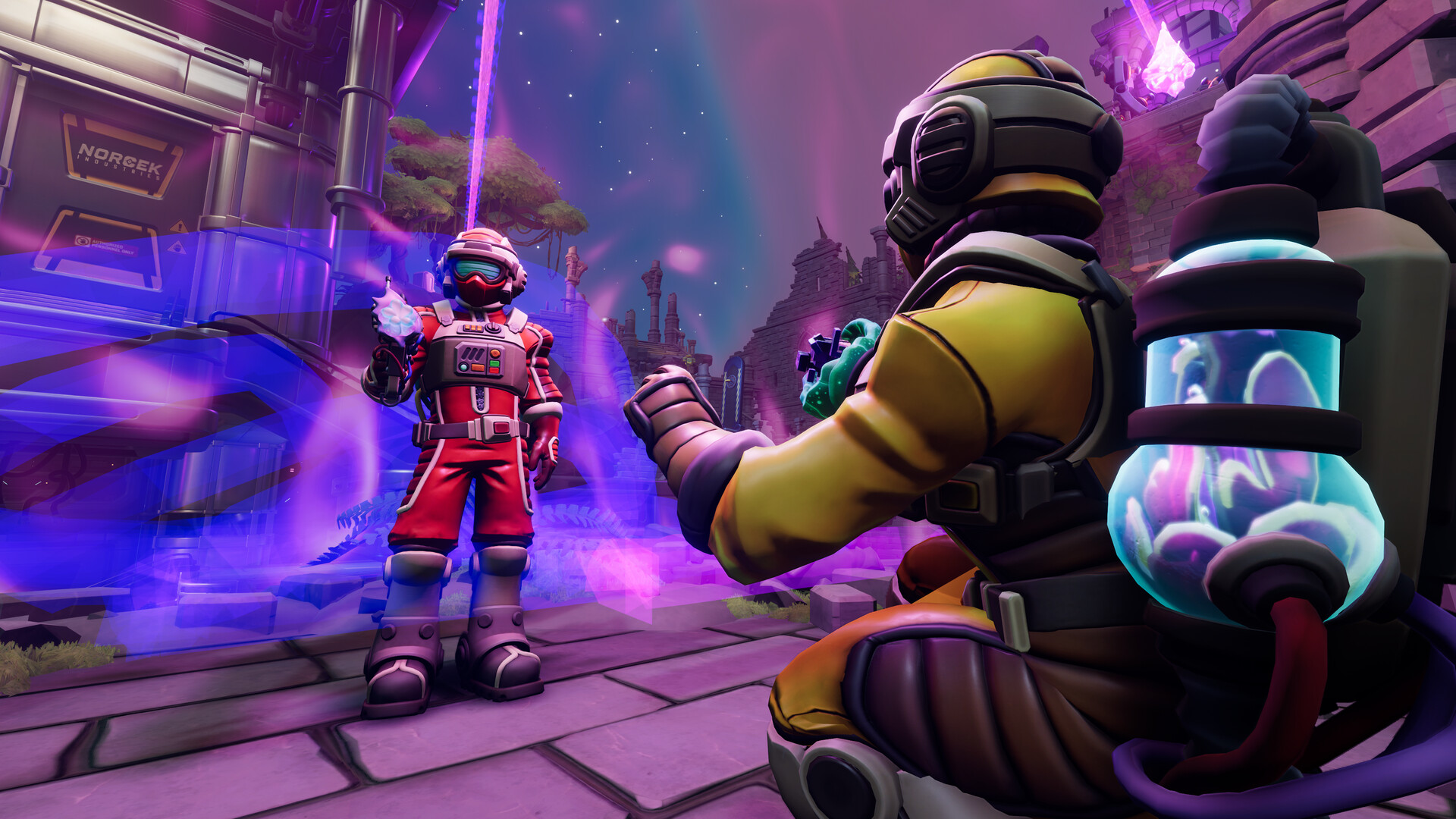
Official screenshot · Source: Steam store
Developed and published by Total Mayhem Games, the game launched on October 20, 2026. It takes two explorers into a mysterious Antarctic facility, where different perspectives and specialized tools turn communication into the central puzzle-solving mechanic.
This guide covers the official PC specifications, explains what they do—and do not—tell you about performance, and walks through the checks both players should complete before starting.
The quick takeaway: You need 25 GB of available storage, DirectX 12, broadband internet, and a PC-compatible microphone. For the recommended configuration, the developer lists a Ryzen 5 5600X, an RTX 3060, and 16 GB of RAM.
Official We Were Here Tomorrow System Requirements
The specifications below come from the official We Were Here Tomorrow Steam listing, as reflected in the October 21, 2026 reference material. These requirements apply specifically to Tomorrow, not the original We Were Here or another entry in the series.
| Component | Minimum requirements | Recommended requirements |
|---|---|---|
| Operating system | Windows 11 | Windows 11 |
| Architecture | 64-bit processor and operating system | 64-bit processor and operating system |
| Processor | AMD Ryzen 5 3600 or equivalent | AMD Ryzen 5 5600X or equivalent |
| Memory | 8 GB RAM | 16 GB RAM |
| Graphics card | Nvidia GTX 1660 Ti, 6 GB, or equivalent | Nvidia GeForce RTX 3060 or equivalent |
| DirectX | Version 12 | Version 12 |
| Internet | Broadband connection | Broadband connection |
| Available storage | 25 GB | 25 GB |
| Additional equipment | Working PC-compatible microphone | Working PC-compatible microphone |
Minimum specifications: the starting point
The minimum configuration establishes the developer’s published hardware baseline. If your desktop matches the Ryzen 5 3600 and GTX 1660 Ti combination, with at least 8 GB of system memory, it meets the listed CPU, GPU, and RAM requirements.
However, the listing does not attach a resolution, graphics preset, or frame-rate target to those components. Treat claims such as “minimum means 1080p at 60 FPS” as unverified unless supported by separate testing.
Meeting every listed requirement is more useful than focusing on one strong component. A powerful graphics card does not compensate for an unsupported operating system or insufficient system memory.
Recommended specifications: a stronger reference point
The recommended configuration raises the processor to a Ryzen 5 5600X and the graphics card to an RTX 3060. It also doubles system memory from 8 GB to 16 GB.
That makes the recommended tier a sensible comparison point for a new build or upgrade. It is not, however, a published guarantee of maximum settings, high-refresh-rate play, or 4K performance.
Storage remains unchanged at 25 GB, and the microphone and internet requirements still apply. Better hardware does not remove the game’s online co-op dependencies.
What the Specs Mean for Your Hardware
The We Were Here Tomorrow system requirements are clear about the named components, but they leave several common buying questions unanswered. Understanding those limits helps you avoid unnecessary upgrades or overly optimistic assumptions.
CPU and GPU equivalents need careful comparison
Both processor tiers allow an “equivalent,” and both graphics tiers do too. The listing does not provide a complete set of matching Intel or AMD alternatives.
When comparing your hardware, use the exact model name. Broad labels such as “Core i7,” “Ryzen 5,” or “RTX laptop” are not precise enough because generations, power limits, and configurations vary.
| Your hardware situation | What to check | Practical next step |
|---|---|---|
| Ryzen 5 3600 and GTX 1660 Ti 6 GB | RAM, Windows version, and remaining requirements | Confirm the complete minimum configuration |
| Ryzen 5 5600X and RTX 3060 | At least 16 GB RAM and all other requirements | Use the recommended tier as your reference |
| Different desktop CPU or GPU | Performance relative to the named components | Consult independent component comparisons |
| Gaming laptop | Exact mobile GPU, VRAM, and power configuration | Avoid assuming desktop-equivalent performance |
| Integrated graphics | Performance relative to the GTX 1660 Ti 6 GB | Do not assume the minimum GPU requirement is met |
A laptop GPU with a similar name to a desktop model can behave differently, especially under sustained load. Cooling and power settings also matter. Compare the actual laptop configuration rather than relying on the badge alone.
RAM and graphics memory are different requirements
The minimum specification includes 8 GB of system RAM and a graphics card listed with 6 GB of VRAM. These are separate memory pools.
Installing more system RAM does not automatically make a weaker graphics processor equivalent to the required GPU. Likewise, a graphics card with ample VRAM does not replace the need for sufficient system memory.
If you have 8 GB of RAM, closing unnecessary browser tabs, recording tools, and background applications is a reasonable preparation step. That does not guarantee a particular frame rate, but it reduces competition for limited memory.
Storage capacity is confirmed; SSD use is not
You need 25 GB of available space. The official requirements do not specify an SSD, so it would be inaccurate to call one mandatory.
An SSD is generally preferable for game installation and loading responsiveness, but no game-specific loading benchmarks are supplied here. Leave additional free space when possible rather than filling the drive to its limit; installations, updates, and other Windows activity can need temporary room.
Check Both PCs Before Your First Session
Use the We Were Here Tomorrow system requirements as a checklist for each player, not just the person organizing the session. One compatible computer cannot make up for the other falling below the published specifications.
Windows includes the basic tools you need to identify most of your hardware.
| Step | Where to look | What to verify |
|---|---|---|
| 1. Check Windows and CPU | Settings → System → About | Windows 11, processor model, installed RAM, and 64-bit system type |
| 2. Identify the GPU | Task Manager → Performance → GPU | Exact graphics processor and dedicated GPU memory |
| 3. Review DirectX information | Press Windows + R, type dxdiag, and press Enter | DirectX version and display-device details |
| 4. Check the installation drive | File Explorer → This PC | At least 25 GB of free space on the intended drive |
| 5. Test the microphone | Settings → System → Sound → Input | Correct device selected and a responsive input meter |
| 6. Prepare the connection | Your network settings and router | Working broadband access for both players |
Seeing DirectX 12 in Windows is useful, but it does not by itself prove that your GPU meets the game’s graphics requirement. Keep the GPU comparison as a separate check.
Prepare audio before loading into a puzzle
Communication is not an optional extra here. Players often occupy different spaces and must describe information that their partner cannot see.
Before starting:
- Select the microphone you actually intend to use.
- Check Windows microphone permissions for applications.
- Make a short test recording to confirm clear audio.
- Use headphones if speaker output creates feedback.
- Confirm the game uses the correct input device once launched.
A microphone connected through a webcam, controller, or headset may appear as a separate input. Testing first can prevent the frustrating situation where Windows detects a microphone, but the wrong one is active.
Reduce avoidable performance and network problems
For laptops, connect the charger and check that the game uses the intended dedicated GPU. Update your graphics driver through the hardware manufacturer’s normal update process.
For online play, pause large downloads and cloud backups if they are competing for bandwidth. Ethernet is worth trying when Wi-Fi is inconsistent, although no connection method can guarantee a problem-free session.
If performance is poor, reduce available graphics settings and resolution incrementally. Change one option at a time so you can identify what helps. These are general troubleshooting steps, not verified fixes for a specific game issue.
Windows, Steam Deck, and Co-op Compatibility
Beyond raw hardware, the We Were Here Tomorrow system requirements raise important platform questions. The official PC listing names Windows 11 in both tiers, while Steam Deck compatibility is marked Unknown in the supplied store information.
| Platform or feature | What the supplied listing confirms | What you should not assume |
|---|---|---|
| Windows 11 | Listed for minimum and recommended configurations | That all Windows 11 PCs meet the hardware requirements |
| Windows 10 | Not listed in either requirements tier | That compatibility is officially confirmed |
| macOS and Linux | No native requirements provided | That native support is available |
| Steam Deck | Compatibility status is Unknown | That the game is Verified or confirmed unsupported |
| Online co-op | Listed, with two-player cooperation central to play | That an offline solo mode is included |
| Cross-platform multiplayer | Listed as a Steam feature | That every possible platform pairing is documented |
Windows 10 is outside the listed specification
If you use Windows 10, your setup does not match the published operating-system requirement. That is different from proving the game can never launch on it, but the supplied information does not establish compatibility.
Do not base a purchase decision solely on assumptions about earlier games in the series. The We Were Here Tomorrow system requirements must be evaluated independently.
Steam Deck support remains unconfirmed
An Unknown compatibility label is neither a Verified rating nor a definitive incompatibility finding.
The reference material does not establish Proton compatibility, handheld performance, interface readability, or microphone behavior on Steam Deck. Controller support on the store page does not settle those questions.
Co-op is mandatory, not just recommended
The game is designed around two players with different roles and information. Both need internet access and a working microphone for the intended communication-driven experience.
The connected story does not require you to play the series in release order. Hardware and audio readiness are the more immediate checks before your first session.
FAQ: We Were Here Tomorrow System Requirements
What are the minimum We Were Here Tomorrow system requirements?
The minimum requirements are Windows 11, a 64-bit processor and operating system, an AMD Ryzen 5 3600 or equivalent, 8 GB RAM, and an Nvidia GTX 1660 Ti 6 GB or equivalent. You also need DirectX 12, broadband internet, 25 GB of free storage, and a working PC-compatible microphone.
How much RAM and storage does the game need?
You need 8 GB RAM minimum, while 16 GB RAM is recommended. Both tiers list 25 GB of available storage. The official requirements do not mandate an SSD or state how much extra space future updates might require.
Can I play on Windows 10 or Steam Deck?
Windows 11 is the only operating system named in the supplied PC requirements. Windows 10 compatibility is not established by that listing. Steam Deck compatibility is marked Unknown as of October 21, 2026, so verified handheld support should not be assumed.
Do both players need a microphone and internet connection?
Yes. The official description specifies online-only co-op and requires both players to have a working microphone and internet connection. Before planning a session, compare both computers with the published specifications and test both microphones—the partnership depends on being able to hear each other clearly.
Related Guides
We Were Here Tomorrow ps5: Price & Co-op Guide
Explore We Were Here Tomorrow on PS5, including release date, US pricing, PS Plus requirements, co-op gameplay, and essential buying tips.
We Were Here Tomorrow steam: PC Co-op Buying Guide
Explore We Were Here Tomorrow on Steam: launch price, PC requirements, cross-play details, Steam Deck status, and essential co-op buying tips.
We Were Here Tomorrow switch: Platform Status Guide
Looking for We Were Here Tomorrow on Switch? Understand what the available sources confirm, avoid title mix-ups, and check Nintendo co-op requirements.
We Were Here Tomorrow release date demo: Launch Guide
Get We Were Here Tomorrow's release date, limited-time demo details, Steam price, co-op requirements, and PC specs before teaming up.
We Were Here Tomorrow demo walkthrough: Guide & Tips
Find the right We Were Here Tomorrow demo walkthrough, avoid wrong-game solutions, and use a practical checklist to work through co-op puzzles.